Plumbing Software: The Complete UK Guide

Quick answer: Plumbing software is a job-management platform built for plumbing and drainage businesses. It handles scheduling and dispatch, gives engineers a mobile app for job sheets, parts and on-site photos, and runs quoting, invoicing and compliance records in one place. For a sole trader it replaces the paper diary and invoice book. For an enterprise plumbing or drainage operation running hundreds of engineers, it is the system that keeps a high-volume, often reactive workload moving at scale, and, paired with a customer-communication layer, turns every emergency call-out and planned maintenance visit into a tracked, self-serve appointment instead of a missed slot and an inbound “where’s my plumber?” call.
Key takeaways
- Plumbing software covers four core jobs: scheduling and dispatch, mobile job management, parts and stock, and quoting and invoicing, all tied to a searchable job history.
- The hardest part of plumbing to schedule is its mix: planned maintenance you can route weeks ahead, sitting alongside reactive emergencies (a burst main, a sewer blockage) that have to be slotted in the same day.
- The UK plumbing, heating and air-conditioning sector is worth around £24 billion, and water companies alone must cut leakage by 17% between 2024-25 and 2029-30, both of which generate enormous, repeating field-service workloads.
- The capability most enterprises under-buy is the customer side: appointment tracking, self-service rebooking and reminders. That layer is where no-shows, repeat visits and inbound calls actually get cut.
- You don’t need to replace your scheduling system to add it. The customer-experience layer sits on top of whatever workforce-management platform you already run.
It’s 7am in a water company’s control room and the overnight log is not pretty. A burst main has flooded a street, three properties are reporting no supply, and the planned-maintenance schedule for 90 engineers was built last week assuming none of this. The reactive jobs have to be slotted in now, the planned visits reshuffled, and every customer affected needs to be told something before they start phoning. By mid-morning, if the only tool for that is a whiteboard and a call centre, the day is lost twice over: once in wasted engineer miles, and again in a contact centre drowning in “is anyone coming?” calls. None of that is a plumbing problem. It’s a software gap, and it is exactly the gap plumbing software is meant to close.
This guide covers what plumbing software is, the features that matter, how job and route management works when planned and reactive work collide, and the layer most enterprise plumbing and drainage operations buy last when they should buy it first: the customer-communication and self-service layer that connects the call-out to the customer waiting at home.
What is plumbing software?
Plumbing software is a field-service platform tailored to the plumbing and drainage trade. You will see the same product sold as software for plumbers, plumbing business software, or plumbing job management software, depending on which part of the workflow the vendor leads with. At its core it does what any field service management system does, schedule work, dispatch engineers, capture what happened on site, raise the invoice, but it is tuned to the rhythms of plumbing: short reactive jobs, recurring maintenance contracts, parts-heavy repairs, and the constant churn of same-day priorities.
The market splits into two broad tiers. At the small end, tools aimed at sole traders and small firms digitise the diary, the quote pad and the invoice book, with VAT-compliant invoicing and automated text reminders. UK-focused plumbing software (ToolTime, Commusoft, Workever, Powered Now) sits here, built around UK tax rules and trade certificates, and these products are genuinely good at what they do. At the enterprise end, water utilities, social-housing repairs teams, national drainage networks and the service arms of plumbing and heating brands, the software is one part of a larger operational stack, integrating with a workforce-management (WFM) system, an ERP and a contact centre. The trade specifics are similar. The scale, the integration demands and the consequences of a missed visit are not.
This guide is written mainly for that second tier. If you run 50 to 1,000-plus engineers, the question isn’t whether to digitise, it’s which capabilities actually move your operational and customer numbers.
The core features of plumbing software
A capable platform covers four functional areas, plus the reporting layer that ties them together. Treat the list below as a checklist when you evaluate.
- Scheduling and dispatch. Calendar-based job allocation, ideally skills-aware so a confined-space drainage job only goes to a trained engineer. Route optimisation matters most at scale: for a utility, a few percent off travel time across hundreds of vans is a large number.
- Mobile job management. An app the engineer uses on site: job details, customer and asset history, before-and-after photos, parts used, readings and signatures. The best mobile apps work offline, because basements, plant rooms and rural properties rarely have good signal, and sync when they reconnect. A plumber app that loses a job sheet underground is worse than useless.
- Job sheets, quotes and invoicing. Digital job sheets completed on the phone, quote-to-invoice flow so a finished job converts to a bill without re-keying, and VAT or CIS handling where the work is contracted. At enterprise scale this usually feeds an existing finance system rather than replacing it.
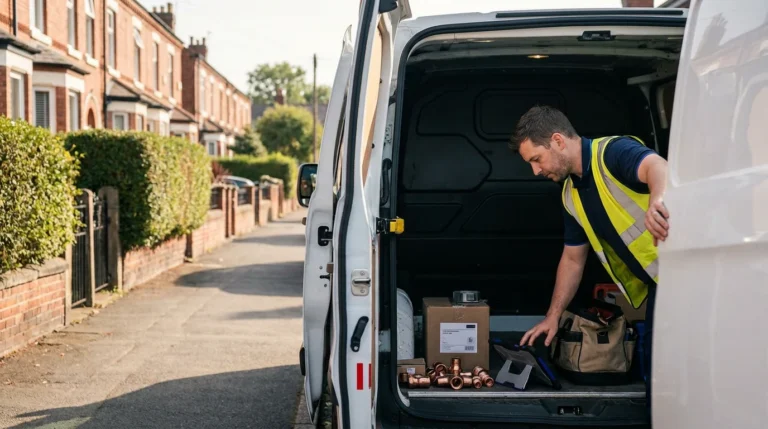
- Parts, stock and supplier links. Van-stock tracking and parts-to-job linking so the engineer who fits a thermostatic valve or a length of soil pipe records it against the job, not in their head. Drainage and repair work is parts-heavy, and untracked stock is a quiet, constant leak of margin.
- Reporting and job history. A searchable record of who did what, when, against which property and asset, the backbone of both commercial reporting and contract SLA evidence.
Most plumbing software does the first four reasonably well. Two things separate platforms at enterprise scale: how it copes when planned and reactive work collide, and whether it does anything at all for the customer. We’ll take those in turn.
Mobile apps for plumbers
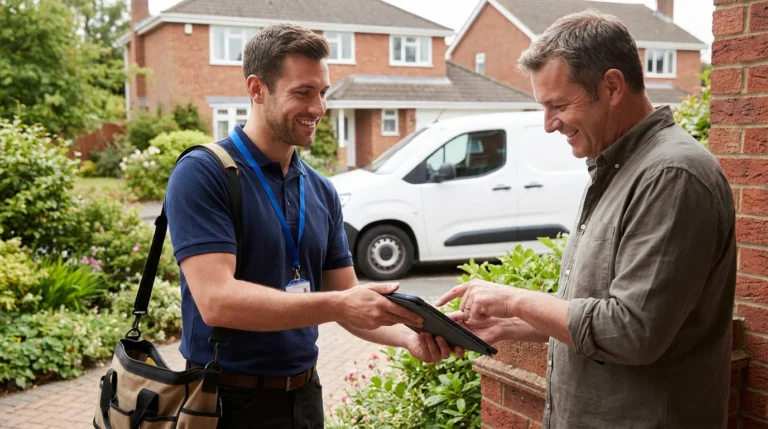
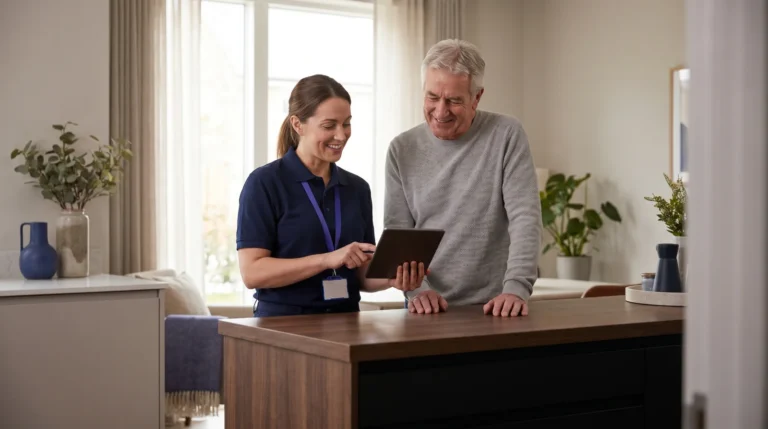
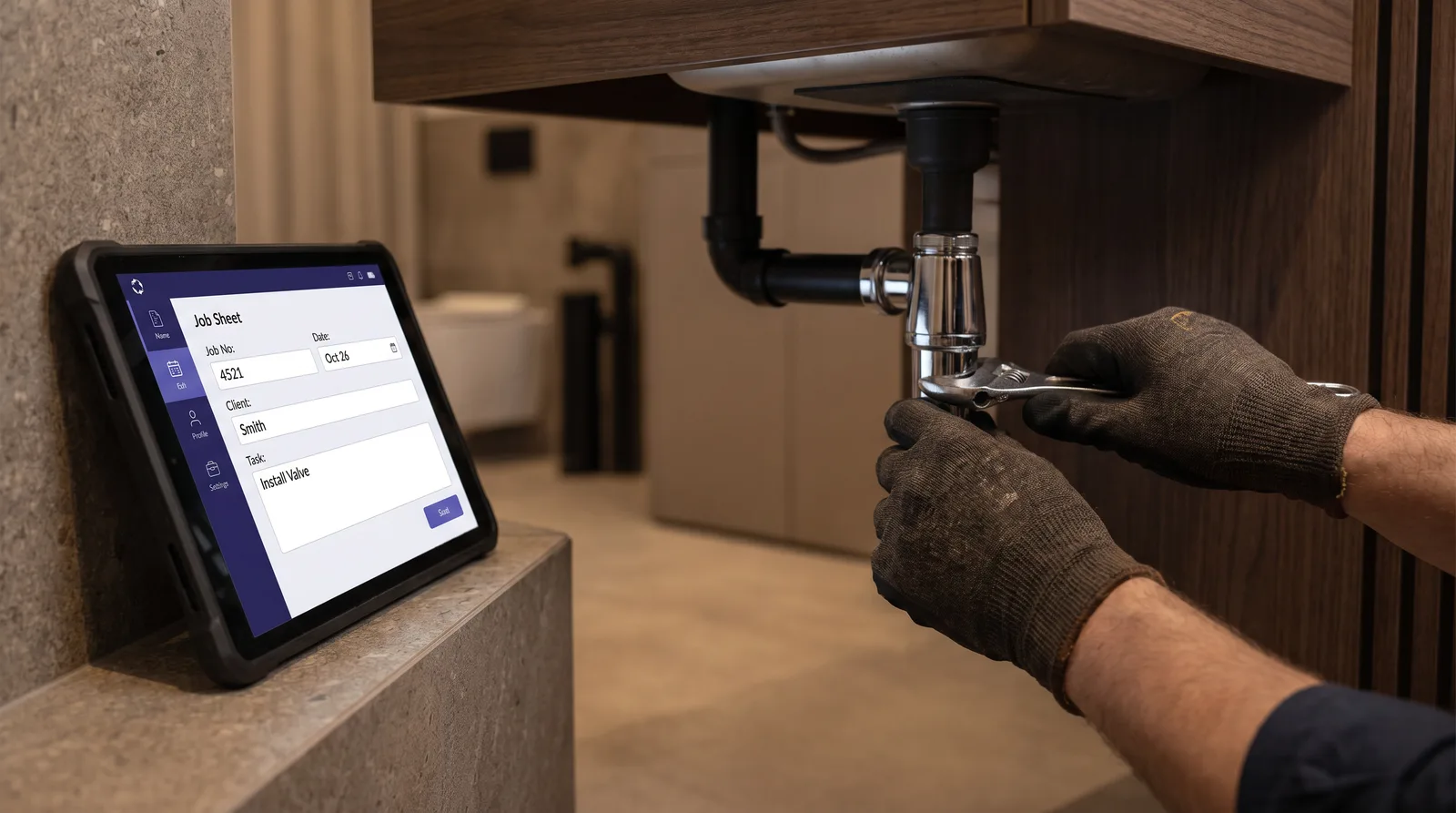
The mobile app is where the value is won or lost, because it’s where the engineer actually works. A plumber app should let an engineer arrive at a property, pull up the asset and repair history, record the fault, capture before-and-after photos, log the parts used, take a signature, and move to the next job, without paper and without a second data-entry step back at the office.
Two capabilities separate a usable app from a frustrating one. The first is offline working: a basement plant room or a rural site will not have reliable mobile data, so the app must capture everything locally and sync later. The second is pre-filled records, so the engineer isn’t re-typing customer and asset details the system already holds. Photo capture matters more in plumbing than in most trades, because a before-and-after image of a leak or a blocked drain is the evidence that resolves a disputed repair and supports a warranty or insurance claim.
For an enterprise operation there’s a third requirement sole-trader tools ignore: the app has to fit the engineer’s existing workflow rather than replace the WFM that dispatches them. A water company running on Oracle, IFS or SAP doesn’t want a second scheduling system, it wants job data and photos to flow back into the system of record. This is why integration, not feature count, is the enterprise buying criterion.
Job and route management: planned work meets the emergency call-out
This is the operational core of plumbing software, and the part general field-service tools handle least well. Most trades are either mostly planned (an annual service round) or mostly reactive. Plumbing and drainage is stubbornly both at once, and the two fight for the same engineers on the same day.
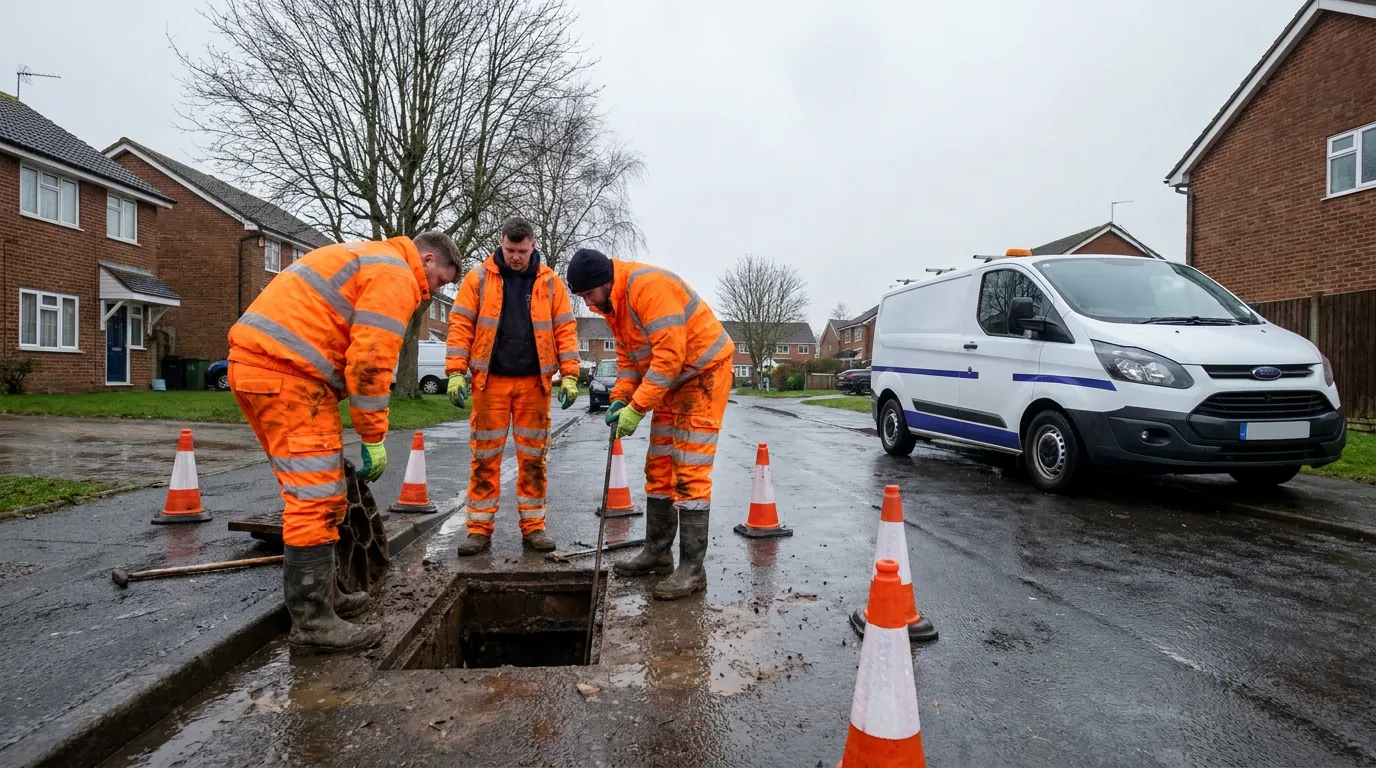
On one side sits planned, predictable work: scheduled maintenance contracts, void-property checks for a housing provider, mains and meter programmes for a utility. This is the work route optimisation loves, because you can sequence it geographically days ahead. On the other side sits the reactive emergency: a burst pipe, a sewer blockage, a no-water report. These cannot wait, and they detonate the carefully built plan the moment they land.
Good job and route management absorbs that collision instead of breaking under it. The platform should let a dispatcher drop an emergency into the day, automatically re-sequence the surrounding planned jobs to limit added travel time, and surface the engineer who is nearest and qualified, not nearest and busy. The stakes are concrete. Water companies must cut leakage by a further 17% between 2024-25 and 2029-30 under Ofwat’s price-review settlement, a target that depends directly on getting the right engineer to the right leak fast. And for a social-housing provider the stakes are now legal: under Awaab’s Law, in force for the social rented sector since October 2025, landlords must start emergency repairs within 24 hours of becoming aware of a hazard that poses an immediate risk. Scheduling that can’t reliably hit a 24-hour window is no longer just inefficient. It’s a compliance exposure.
The trade-specific point is that planned and reactive work are not two systems. They’re one schedule under constant revision, and the software’s job is to keep that revision cheap, in engineer miles and in customer disruption alike.
The customer-communication layer: where enterprise plumbing operations win
This is the part that doesn’t show up on a sole-trader feature list, and the part that matters most at scale. Once your scheduling, mobile and route management are solid, your remaining problems are no longer plumbing problems, they’re communication problems. And in a high-volume plumbing or drainage operation, communication problems are expensive.
Consider the call volume. McKinsey estimates that a typical utility with two million customers fields two to three million calls a year, at a cost of around $20 million to $40 million, and much of that is appointment admin: when are you coming, can you move my visit, is anyone on the way. In a typical enterprise field operation, 30 to 40% of appointments are changed by the customer and 10 to 15% are cancelled, and each change tends to generate a five-to-seven-minute call, frequently after hours. Add the customers ringing simply to ask where the engineer is, and a large slice of contact-centre volume turns out to be questions the customer could have answered themselves, given visibility. The same gap drives no-shows: a customer who booked a drainage visit a fortnight ago, with no reminder and no easy way to confirm, is a missed appointment and a wasted van waiting to happen.
A customer-communication layer closes that gap with four capabilities that sit on top of your existing scheduling:
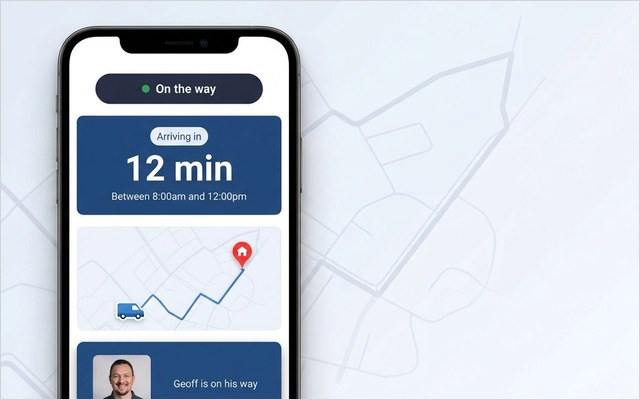
- Appointment tracking — a live ETA so the customer can see the engineer approaching, instead of phoning to ask. This matters acutely for emergencies, where anxiety is highest.
- Self-service rebooking — the customer moves their own planned visit in seconds, removing a whole category of contact-centre work. Operations that automate booking and rebooking remove much of the agent time those calls would have taken.
- Proactive reminders — confirmations and day-before nudges that cut no-shows on the planned work a customer booked weeks earlier.
- Real-time feedback — an NPS or CSAT prompt straight after the visit, so a problem surfaces while it’s still fixable, not in a complaint three weeks later.
The results from enterprise deployments are consistent. The mechanism that helps the operational side helps the customer side too: when people can see the engineer coming and move their own slot, the chasing calls and the no-shows thin out and the satisfaction scores climb. This is the angle field service for home services takes across the board, and it’s the wedge that separates a plumbing operation that merely schedules well from one its customers actually rate.
There’s a first-visit dividend too. When the right asset history and parts information reach the engineer before arrival, more jobs are fixed on the first visit, and few things damage a customer’s experience (or your cost line) like a second or third trip for the same leak. E.ON improved appointment-based first-time job completion by 19% by getting the right information to the engineer ahead of the visit, and the same logic applies directly to plumbing and drainage. Improving your first-time fix rate is both a customer-experience win and an operational one, which is the recurring theme of this whole category: fix the visit and you fix the cost line at the same time.
See it on your operation. On My Way adds live appointment tracking, self-service rebooking and instant feedback on top of your existing scheduling and WFM, no rip-and-replace, live in 4 to 6 weeks, with a guaranteed 35% reduction in appointment-related calls within 90 days. Book a demo and we’ll show it against your own appointment workload.
How to choose a plumbing software platform
Search “plumbing software UK” and you’ll get everything from a £10-a-month app to an enterprise field-service suite, so the right choice depends almost entirely on your scale. Run through these questions in order.
- Sole trader or enterprise operation? A solo plumber needs an all-in-one tool that replaces the diary, quote pad and invoice book. An enterprise needs software that integrates with the systems it already runs rather than replacing them. Buying the wrong tier is the most common and most expensive mistake.
- How does it handle reactive work? Confirm it can drop a same-day emergency into a planned schedule and re-sequence the rest without a dispatcher rebuilding the day by hand. For a utility or a social-housing team bound by repair timeframes, this is the floor, not a feature.
- Does the mobile app work offline? If engineers lose data in a basement or on a rural site, the whole system stalls. Test this on a real job, not in a demo with full signal, and check that photo capture and sync genuinely hold up.
- What does it do for the customer? Most platforms stop at the office and the engineer. Ask specifically about appointment tracking, self-service rebooking, reminders and feedback, the capabilities that cut no-shows and inbound calls. If the platform ignores the customer, you’ll need a customer-experience layer alongside it.
- Will it fit your existing stack? For enterprises, the question is whether it integrates cleanly with your WFM, ERP and contact centre, ideally without forcing you to abandon a scheduling engine that already works. The lower-risk path is to add the customer-facing layer on top of your current systems rather than replace core software mid-operation.
If your work spans heating as well as water, the same logic applies with sector detail in our guides to field service for home services and dedicated HVAC software, and gas-side teams should read the companion guide to gas engineer software, because the customer-experience principles carry straight across the trades.
A note on where the market is heading. The global field service management market is forecast to grow from USD 5.10 billion in 2025 to USD 9.17 billion by 2030, a 12.5% CAGR per MarketsandMarkets, and most of that investment is flowing into scheduling, routing and engineer mobility. The customer-facing layer remains comparatively under-served, which, for an enterprise plumbing or drainage operation, is precisely where the easiest competitive gains still sit.

Frequently asked questions
What is plumbing software? It’s a job-management platform for plumbing and drainage businesses that handles scheduling and dispatch, gives engineers a mobile app for on-site job sheets, photos and parts, and runs quoting, invoicing and job history in one place. At enterprise scale it integrates with a workforce-management system and adds a customer-communication layer for appointment tracking and self-service rebooking.
What is the best software for plumbers in the UK? It depends entirely on scale. For sole traders and small firms, the established UK products handle scheduling, VAT-compliant invoicing and reminders well. For enterprise operations, water utilities, social housing and national drainage networks, the right answer is software that integrates with your existing WFM and ERP, plus a customer-experience layer on top, rather than an all-in-one tool that asks you to replace systems that already work.
How does plumbing software handle emergency call-outs alongside planned work? Good platforms let a dispatcher drop a same-day emergency into the schedule and automatically re-sequence the surrounding planned jobs to limit added travel time, while surfacing the nearest qualified engineer. This matters most for utilities and social-housing teams, where emergency repairs carry fixed response timeframes, for example the 24-hour emergency-repair start required under Awaab’s Law since October 2025.
Does plumbing software need to work offline? Yes, for most field operations. Basements, plant rooms and rural sites often have poor mobile signal, so the app must capture job sheets, photos and parts data locally and sync when it reconnects. An app that loses data underground is a serious operational risk, so test offline working on a real job before you buy.
How does plumbing software reduce no-shows and inbound calls? By adding a customer-communication layer on top of scheduling: live appointment tracking, self-service rebooking, automated reminders and post-visit feedback. These remove the reasons customers phone in (uncertainty about timing) and the reasons they miss appointments (no reminder, no easy way to move them). For a large utility, where appointment admin can run into millions of calls a year, the savings are substantial.
Can you add a customer-experience layer without replacing your scheduling system? Yes, and for an enterprise this is the lower-risk path. A customer-facing layer such as On My Way sits on top of whatever WFM you already run (Oracle, IFS, SAP, ServiceMax, Salesforce), adding tracking, self-service and feedback without disrupting dispatch. Go-live is typically 4 to 6 weeks, against the months and risk of replacing a core scheduling engine.
References
- Office for National Statistics — Plumbing and heating enterprises, 2024 and 2025 (count, employment and turnover of UK plumbing/heating businesses)
- AnglianPHE — Current Trends and Statistics in the UK Plumbing, Heating and Electrical Sector (2024–2025) (sector value ~£24bn, 2.8% CAGR)
- Ofwat — PR24 final determinations / Leakage (17% leakage reduction 2024-25 to 2029-30; 50% by 2050)
- GOV.UK — Awaab’s Law: Guidance for social landlords (in force 27 Oct 2025; 24-hour emergency-repair start)
- ToolTime — Plumbing App & Software for Job Management (UK plumbing software features: scheduling, quoting, reminders)
- McKinsey & Company (via Fieldman) — utility call-volume and cost data (2–3m calls/yr, $20–40m, for a 2m-customer utility)
- MarketsandMarkets — Field Service Management Market worth $9.17 billion by 2030 (USD 5.10bn 2025 → 9.17bn 2030, 12.5% CAGR)
- Aquant — 2024 Field Service Benchmark Report (median first-time fix rate 76%; top 20% 76%+, bottom 20% 55%)
- On My Way / Leadent Digital — enterprise deployment data (appointment-change volume; client outcomes).

Keep your WFM. Upgrade what your customers experience.
On My Way is the customer-experience layer for field service: live arrival tracking, self-service rebooking, notes and photos, and feedback — added on top of the scheduling system you already run. No rip-and-replace, live in 4–6 weeks.