Calendar Integration: Appointments in Your Customer’s Calendar
Let customers add their field service appointment to Google Calendar, Apple iCal or Outlook in one click — reducing no-shows by putting the visit in the workflow they already use.
Trusted on enterprise field service operations
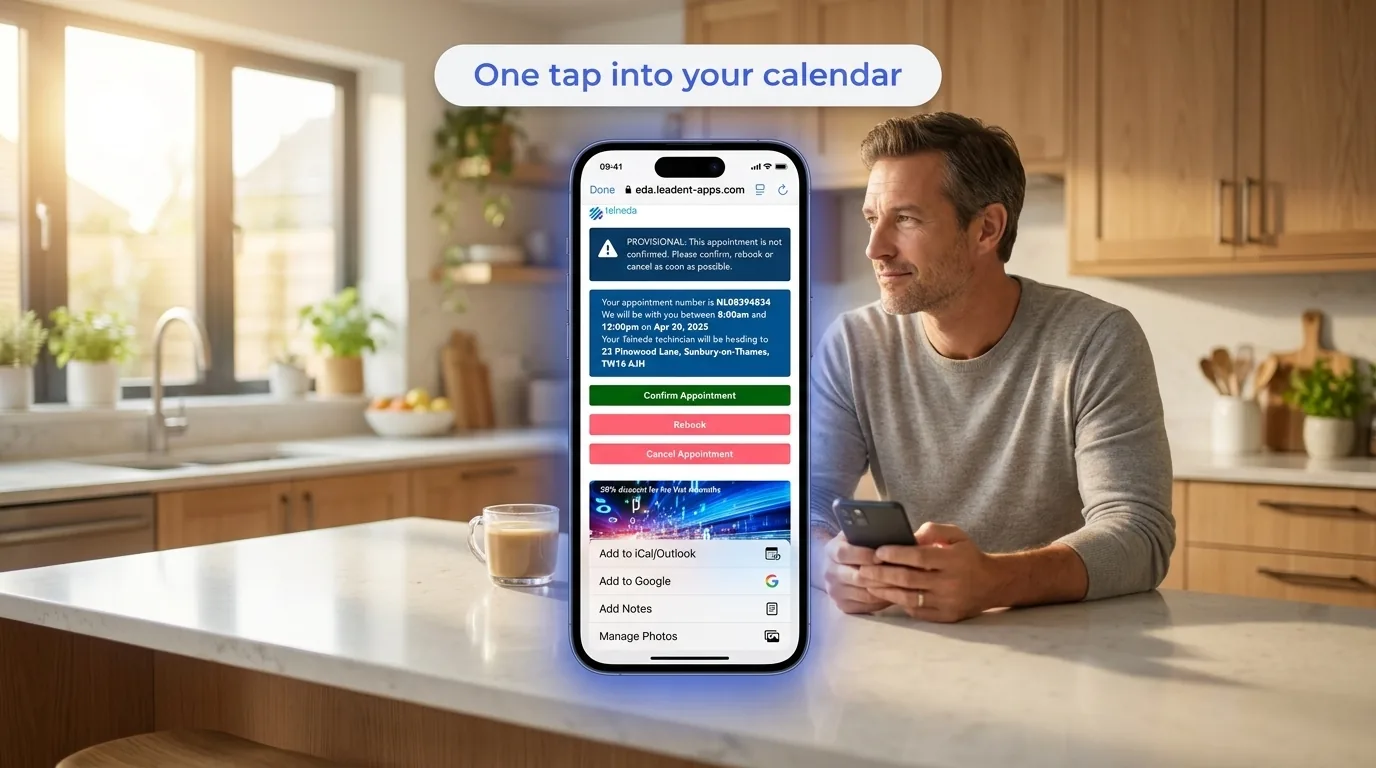
One tap puts the appointment in the calendar the customer already lives in.
Customers forget their appointments
A booking confirmed by SMS or email is easy to forget by the time the day arrives. If the appointment isn’t in the customer’s own calendar, it competes with everything else in their week — and loses.
Forgotten appointments become no-shows, wasted visits and rebooking calls.
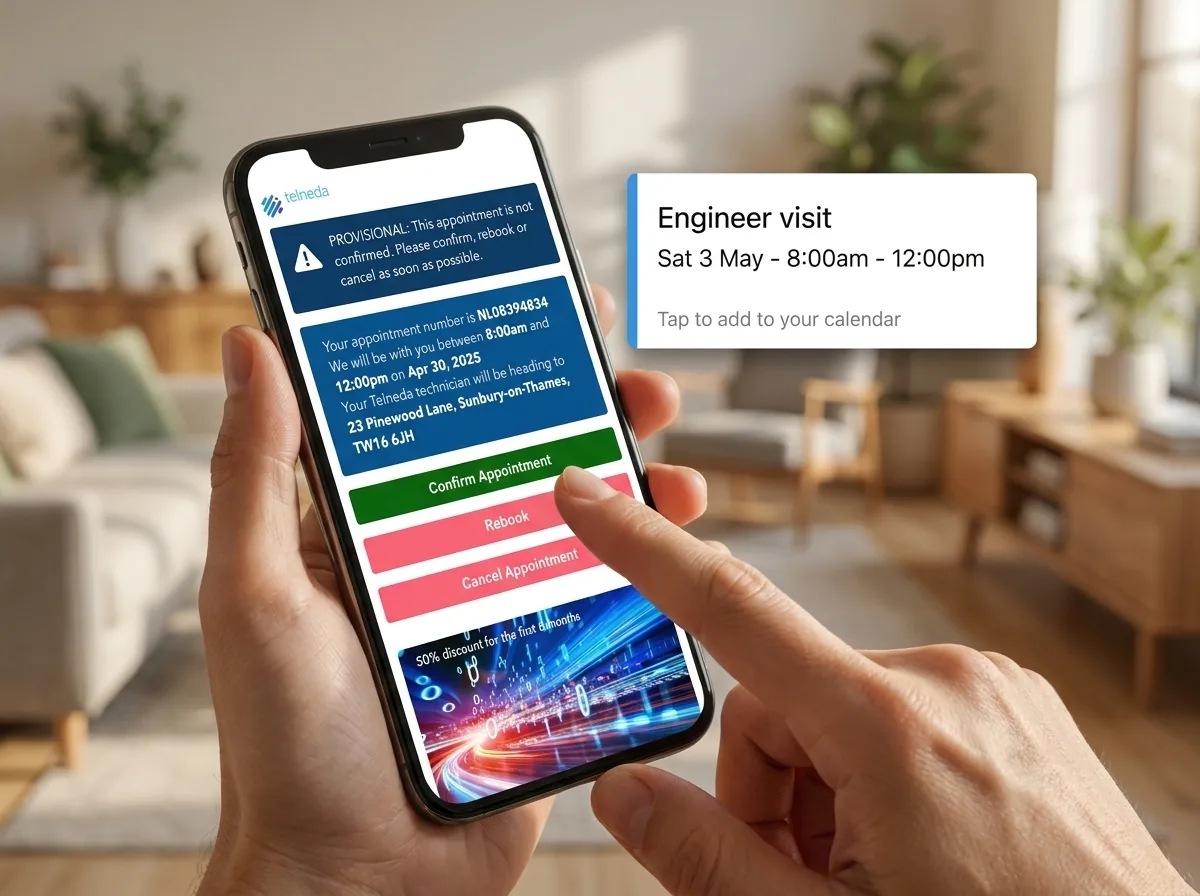
How it works
One click into any calendar
On My Way lets customers add the appointment to Google Calendar, Apple iCal or Outlook in a single click, so it sits in the workflow they already check every day.
It works alongside the notification engine for a belt-and-braces reminder strategy.
What On My Way adds for calendars
One-click add
Add the appointment to Google Calendar, iCal or Outlook in a single tap.
Native reminders
The customer’s own calendar reminders fire, on top of your notifications.
Belt-and-braces strategy
Calendar entries plus the notification engine maximise attendance.
Details included
Date, time, window and what to expect — all in the calendar entry.
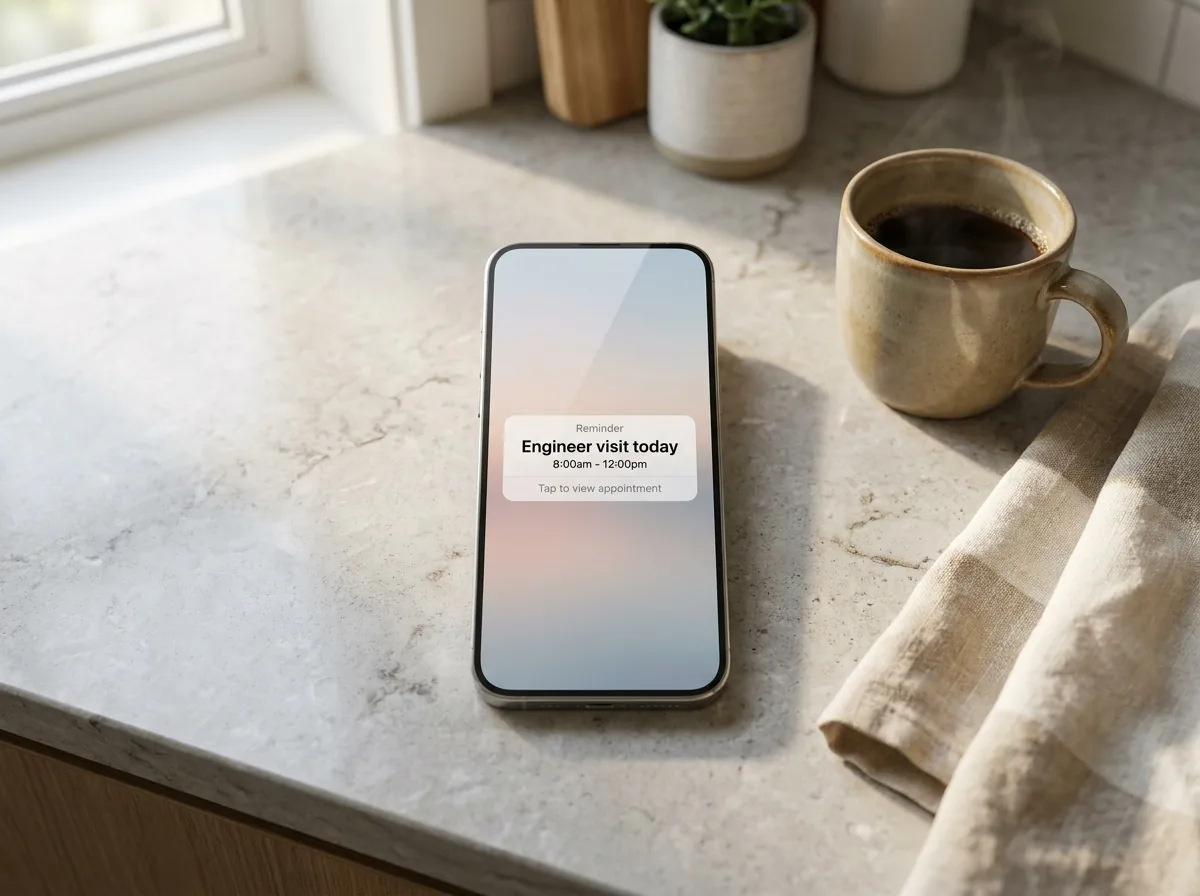
In context
Fewer no-shows, less effort
When the appointment lives in the customer’s own calendar, they’re far more likely to be home and ready — cutting no-shows with no extra effort from your team.
It’s a small touch that quietly protects every slot.
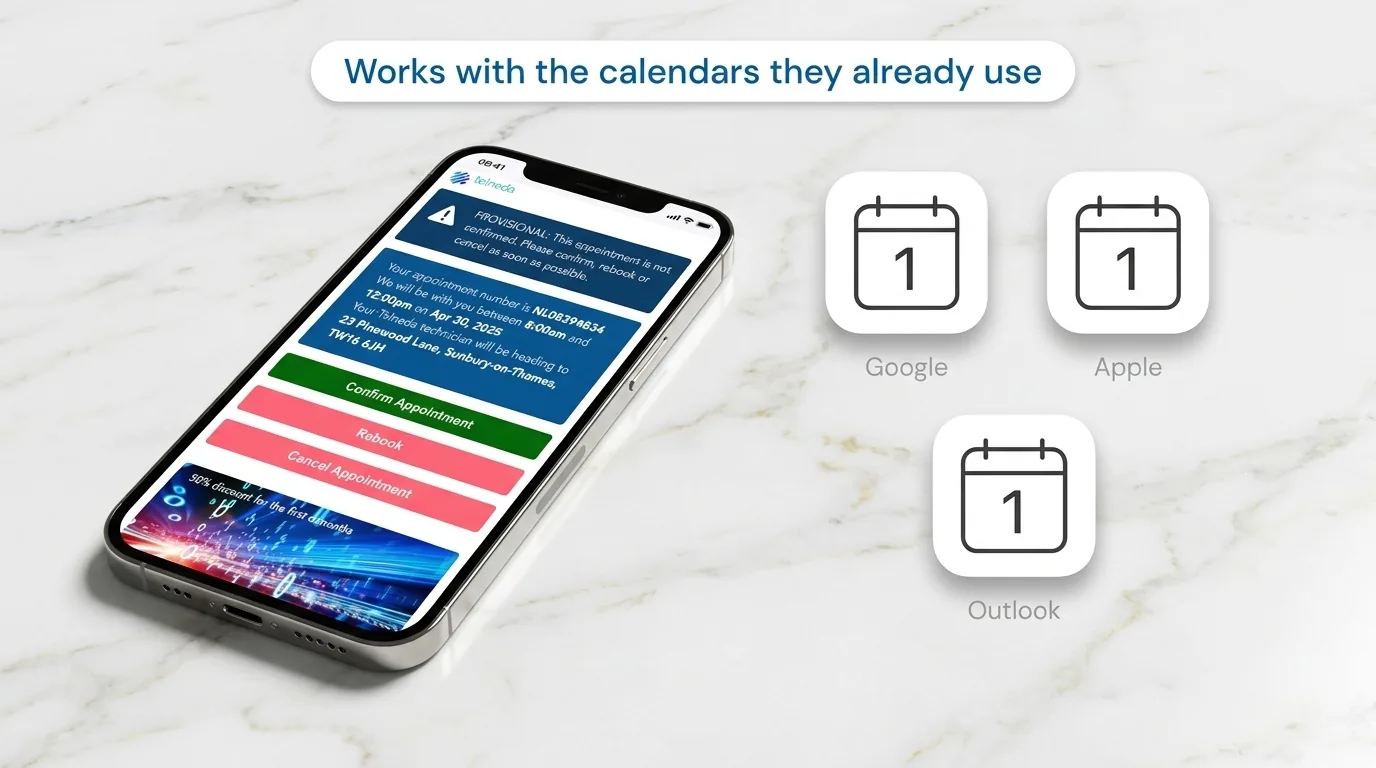
Works with the calendars your customers already use.
Proven across enterprise field service
On My Way is WFM-agnostic and runs on top of the largest field service platforms in production today. Across enterprise WFMs the customer-experience layer delivers the outcomes below.
53%
Bosch — ETA call reduction
38%
Foxtel — no-show reduction
19%
E.ON — first-time fix uplift
“
Putting the appointment straight into the customer’s calendar was a tiny change that measurably reduced no-shows.
Customer Operations Lead, enterprise service provider
Frequently asked questions
Which calendars are supported?
Google Calendar, Apple iCal and Microsoft Outlook, with a one-click add.
Does it replace notifications?
No — it works alongside the notification engine for a belt-and-braces reminder strategy.
What’s included in the calendar entry?
The date, time, arrival window and what to expect, so the customer is ready.
Built for your industry
Reduce no-shows with calendar sync
Book a demo and see one-click calendar integration on top of your WFM — with a 35% call-deflection guarantee in 90 days.