Field Service App: What Modern Teams Actually Need

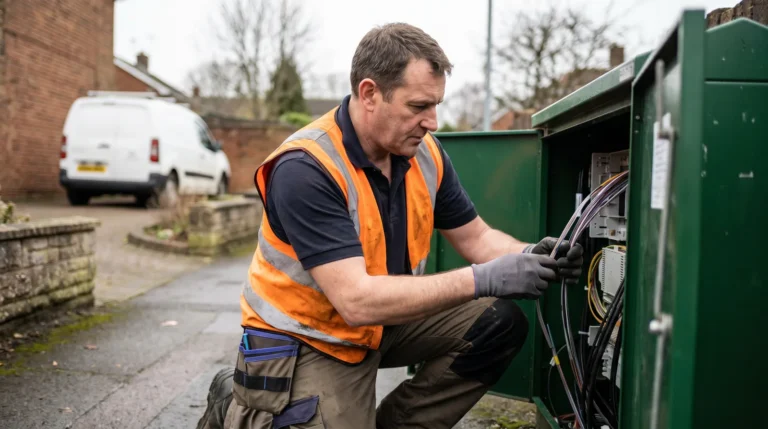
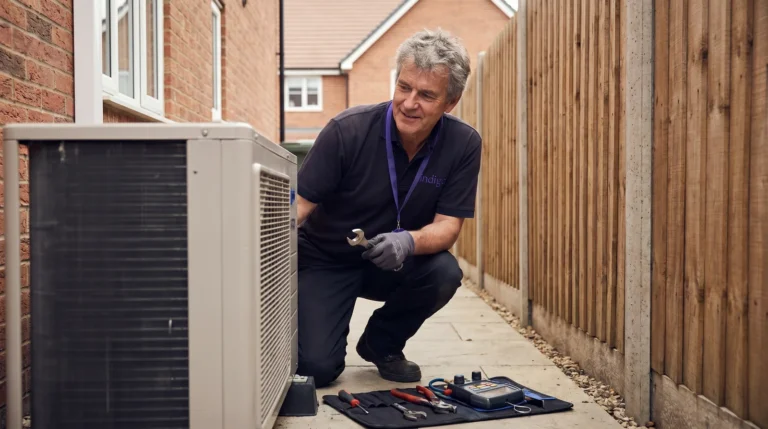
Half past eleven, a lay-by outside Reading. Job three finished early, and the engineer is scrolling the day on the phone: next job, a landlord gas safety check, the boiler’s service history, two photos from last winter, a note about parking at the rear. The field service app has done its morning’s work. What it was never built to do is tell the customer at job four that their engineer is running forty minutes ahead.
Quick answer: A field service app, in practice, means the technician app: job list, customer and asset history, offline forms, photos and signatures, supplied by the WFM platform you already run. The missing half serves the customer, and it works best as no app at all: a no-install browser link, guaranteed to cut appointment-related calls 35% within 90 days.
Key takeaways
- A field service app almost always means the technician’s mobile app, and it should come from your WFM platform, not a separate vendor.
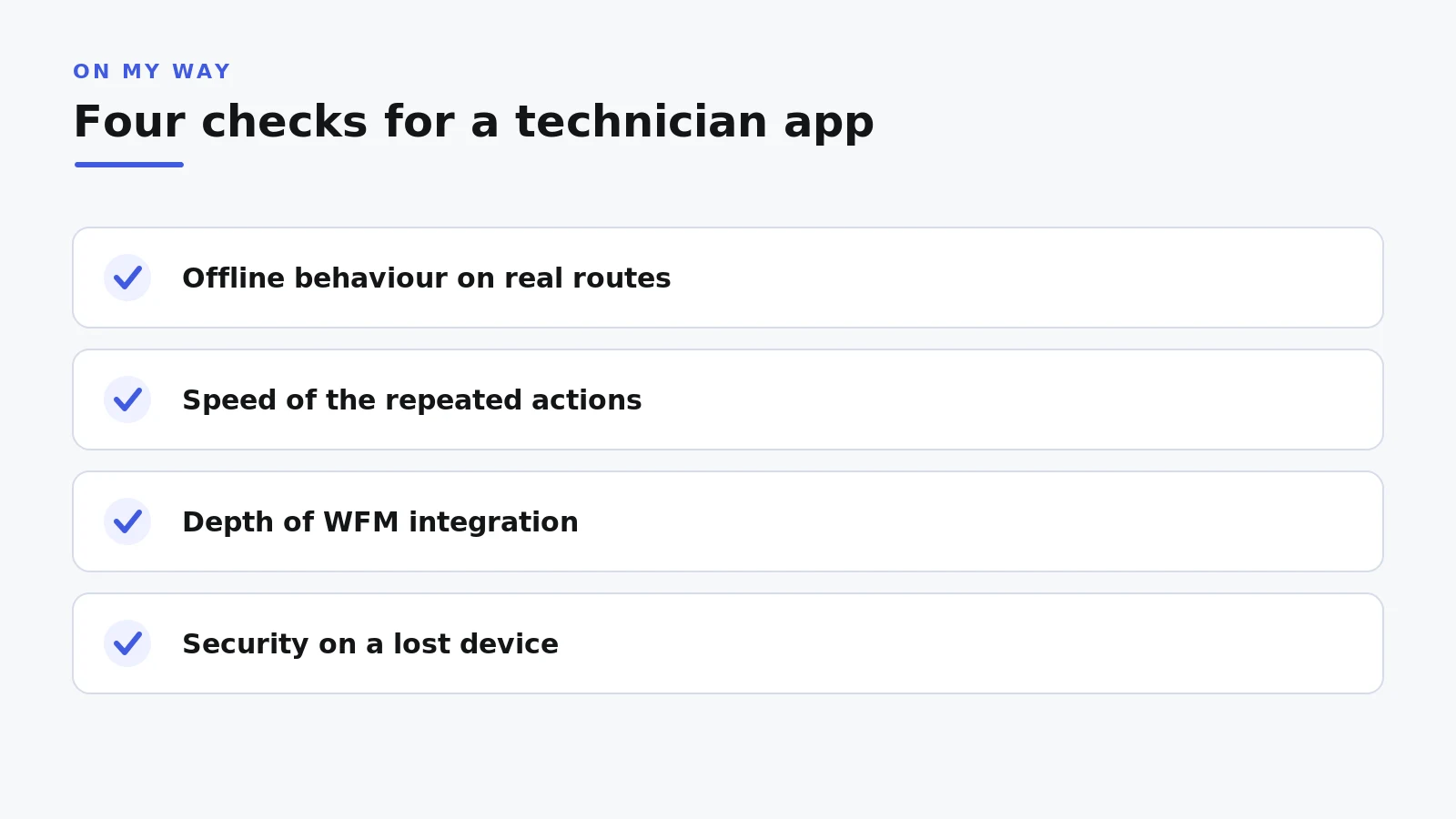
- Four checks decide whether a technician app survives the field: offline behaviour, speed of the repeated actions, WFM integration depth, and security.
- The customer is the second user in every appointment, and the best customer-facing “app” is no app: a white-label browser link in the appointment text.
- No install means no adoption wall for someone who books a repair once a year.
- The stack is two-sided: technician app from your WFM, customer layer on top, nothing replaced underneath.
What a field service app actually means
In the sense nearly every buyer intends, a field service app is the technician app: the tool an engineer works from all day on a phone or rugged tablet. Listings blur field service mobile app, engineer mobile app and field service management app into one shelf, but behind the labels sits the mobile client of the workforce management (WFM) platform, the visible tip of the discipline we cover in our guide to field service management.
The anatomy barely varies. A day view lists jobs in sequence, fed by the scheduling engine and kept honest by dispatch (see our piece on dispatch management software). Each job carries customer and asset history: previous visits, install dates, serial numbers, the note about the stopcock behind the washing machine. Forms, photos and signatures capture compliance and proof of work; a parts view answers whether the part is in the van or the depot; and status updates flow back automatically — travelling, on site, complete — so nobody phones base to say they have arrived.
At enterprise scale, 200 to 1,000 or more technicians, you rarely buy the technician app separately. Oracle Field Service, IFS, SAP, Salesforce Field Service, Microsoft Dynamics 365 and ServiceMax each ship their own mobile client, and investment keeps flowing: the field service management market is projected to grow from USD 5.10 billion in 2025 to USD 9.17 billion by 2030, a 12.5% annual rate (MarketsandMarkets, 2025). The question is whether the app you own passes four tests, and what the conversation misses.
Four checks that separate a working technician app from a liability
Four questions expose whether a technician app will hold up in the field; none sits on a feature comparison.
1. Offline behaviour on real routes
An offline field service app is the baseline in the UK, where the working day includes basement plant rooms, steel-framed buildings and rural postcodes on one bar of signal. Offline-first means the day’s jobs, history and forms already sit on the device; photos and signatures capture locally and queue; updates sync when coverage returns without duplication. Test it honestly: flight mode mid-job, on a real route, not the office car park.
2. Speed of the actions repeated at every job
Mobile workers estimate that 18% of their working hours, more than seven hours a week, go on admin such as filling in forms and hunting for information (Salesforce, 2024). Count taps for the five actions an engineer repeats at every visit. A form that takes four minutes instead of nine, across ten jobs a day and 500 engineers, is a capacity programme in itself.
3. Depth of integration with the WFM
The app is a window onto the schedule, so it is only as current as its connection. Reassignments and jeopardy changes must reach the device in real time, and anything captured on site must write back through supported APIs, not batch files. Aquant’s 2024 benchmark shows why the plumbing matters: average first-time fix sits at 76% while the top quintile reaches 87%, and a failed visit takes 2.7 visits on average to resolve. The app’s contribution is information — the right history and part in front of the right engineer before the doorbell.
4. Security when a phone goes missing
A technician’s device holds names, addresses and access notes, and it lives in a van. IT will ask, so ask first: mobile device management and remote wipe, single sign-on, role-based access control, encryption at rest, and clarity on where synced data resides. Rollouts lose more weeks to security review than to implementation.
The person the field service app conversation forgets
Every appointment has two people in it, and the app conversation specifies for only one of them. The engineer gets an offline-capable client, an integration budget and a device policy. The customer — the person the visit is for — gets a four-hour window and a phone number.
The demand side has already moved: 81% of customers try to resolve issues themselves before contacting an agent (Harvard Business Review, via Document360). Field service customers simply lack the route. On My Way’s deployment research shows the traffic that creates: between booking and the knock at the door, roughly a third of customers need to change the appointment, and with no self-service way into the schedule, nearly all of it arrives by phone, heaviest exactly when the contact centre is thinnest.
The instinctive fix is symmetry: technicians have an app, so build the customer one. That is where budgets go wrong: the two users could hardly be less alike. An engineer opens the technician app dozens of times a day; installing it once is a rounding error. A householder books a repair roughly once a year, and for them an app store is a wall: download, account creation, email verification, a password to remember next February. Each step sheds users the operation never sees again.
Want to see both sides of the stack running? Book a 30-minute working session: no slide deck, your appointment volumes, live tracking against a real schedule. Or walk the mechanics first on how On My Way works.
The best field service app for customers is no app at all
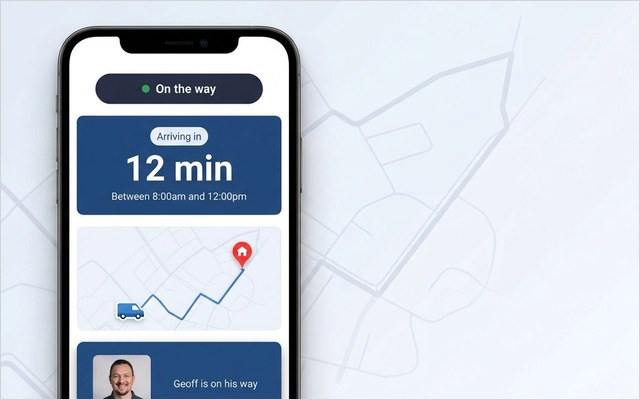
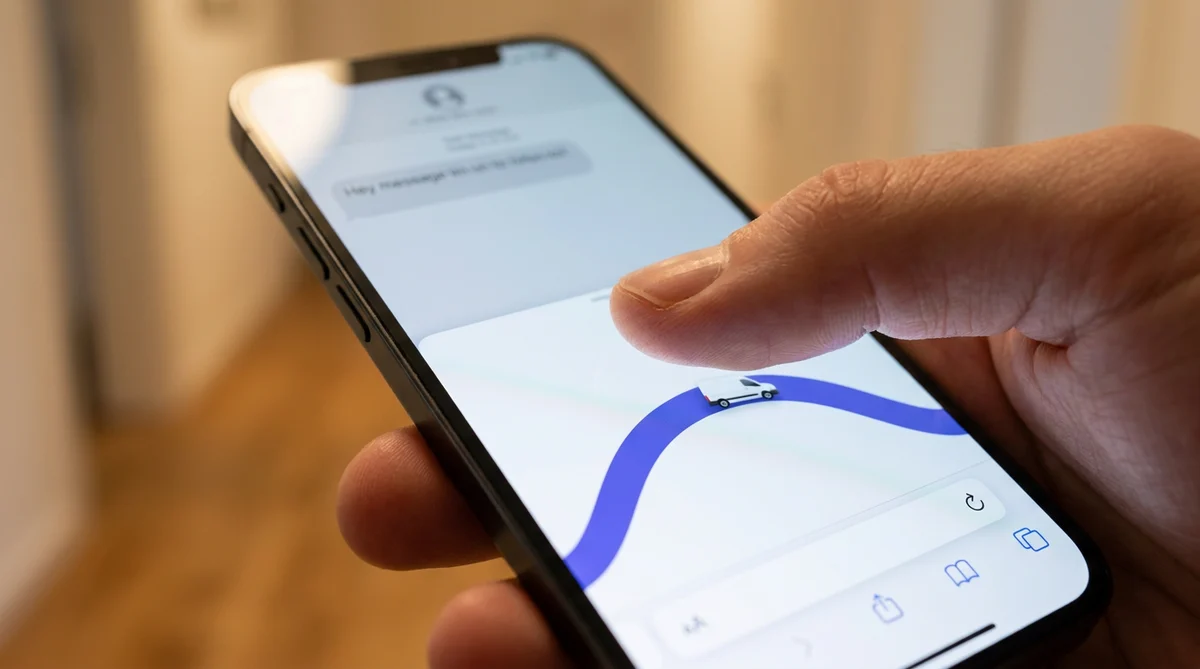
For the customer, the strongest field service app is a browser page they never install. A link arrives in the appointment SMS or email and opens in seconds with the booking loaded: live technician tracking with a real ETA, rebooking and cancellation when Thursday stops working, a feedback prompt while the visit is still fresh. The page is white-labelled, so the customer sees the provider’s brand and nobody else’s, with messages over ordinary SMS and email rails (Twilio, Boomerang or the Leadent SMS Gateway). No app store, no account, nothing to remember.
Remove the install and the adoption question largely disappears. Bosch UK, running around 350 engineers and roughly 1,100 appointments a day, recorded 53% fewer technician-location/ETA-related calls and 79% higher customer engagement with appointment comms, using a browser-based customer layer over its existing WFM. The preference was always there — 61% of customers would sooner handle a simple task themselves than ring an agent (Salesforce, 2024) — the link simply made self-service easier than the hold queue.
Keep three figures distinct when reading vendor numbers, ours included. The guarantee: a 35% drop in appointment-related calls inside 90 days, or Leadent keeps working free until it lands. The typical range: 40% to 55% across enterprise deployments. The named actual: Bosch UK’s 53%. A vendor who blurs the three is selling the best case.
The two-sided stack: keep the technician app, add the customer layer
A modern operation runs two mobile surfaces, by design rather than compromise. The technician app comes from the WFM platform, which owns the schedule and its workflows. The customer layer sits on top, WFM-agnostic, reading appointment data through APIs and writing changes back; the same front door works whether the estate underneath is Oracle Field Service, IFS, SAP, ServiceMax, Salesforce Field Service or Dynamics 365. Nothing is ripped out; typical go-live is four to six weeks, with a six-week pilot where evidence is wanted first.
| Technician app | Customer layer | |
|---|---|---|
| Primary user | Engineer in the field | Customer at home |
| Comes from | Your WFM platform | WFM-agnostic layer on top |
| Install | Managed app, enrolled device | None; opens in the browser |
| Core jobs | Job list, history, forms, photos, signatures | Tracking, rebooking, cancellation, feedback |
Confirmations, reminders and on-my-way messages are the work of the automation layer, unpacked in our guide to field service automation; the customer layer provides the tracking, self-service and feedback surfaces those messages link to. The full set — live tracking, rebooking, real-time NPS and CSAT, in-appointment marketing, a Contact Centre View that shows agents what the customer sees without consuming a WFM licence — is on our features page. For IT: Entra ID single sign-on, role-based access control, encryption, regional data residency and GDPR.
Frequently asked questions
Is a field service app the same as a field service management app?
The terms overlap heavily. A field service management app usually means the mobile client of a full FSM or WFM platform, while field service app can describe any mobile tool in the category, down to job-sheet products for smaller trades. At enterprise scale the distinction collapses: the technician app worth running is the one native to your WFM.
Does On My Way replace the technician app from our WFM?
No, deliberately. The technician app belongs to the WFM platform, which owns the schedule and the device estate. On My Way adds the customer-facing layer those platforms were not designed to provide: browser-based tracking, rebooking, notifications and feedback on whichever system you already run. Engineers keep working exactly as they do today.
What should an offline field service app handle without signal?
The whole working cycle: open the job, read the history, complete forms, capture photos and signatures, and record status changes, all locally, syncing cleanly when coverage returns. If any step quietly needs a connection, engineers in basements will find it for you.
Do customers need to download anything?
Not with a browser-based customer layer. The customer taps a link in the appointment SMS or email and the page opens with their booking loaded: tracking, rebooking, cancellation and feedback, under the provider’s brand. The absent download is why engagement reaches Bosch UK levels rather than the thin adoption a once-a-year app manages.
How long does the customer layer take to go live?
Four to six weeks is typical: the WFM stays untouched, so the work is integration and configuration, not migration. A six-week pilot on one region or job type suits operations that want proof first; pricing is quoted against technician count and appointment volume, not published tiers.
The bottom line
Specify the field service app twice, once for each person in the appointment. For the technician: the app your WFM ships, held to four tests — offline behaviour, speed, integration depth, security. For the customer: no app at all, a white-label browser link that tracks, rebooks and gathers feedback with nothing to install. Bosch UK’s numbers show what the second half is worth, and the 90-day guarantee means nobody takes it on trust.
See it against your own appointment book. Book a 30-minute working session, no slide deck, and leave knowing how the layer would run on your WFM; or start with how On My Way works.
References
- Salesforce — State of Service: Customer Service Statistics (2024)
- Aquant — Field Service Benchmark Report (2024)
- MarketsandMarkets — Field Service Management Market worth $9.17 billion by 2030 (2025)
- Document360 — Self-Service Statistics Roundup (2025)
- On My Way / Leadent Digital — enterprise deployment data (appointment-change volume; client outcomes).

Keep your WFM. Upgrade what your customers experience.
On My Way is the customer-experience layer for field service: live arrival tracking, self-service rebooking, notes and photos, and feedback — added on top of the scheduling system you already run. No rip-and-replace, live in 4–6 weeks.